
Video showcase
See a slideshow timeline come together.
This short tutorial demonstrates manual generation and a semi-random workflow in SlideShow Bob, followed by work in DaVinci Resolve 20.
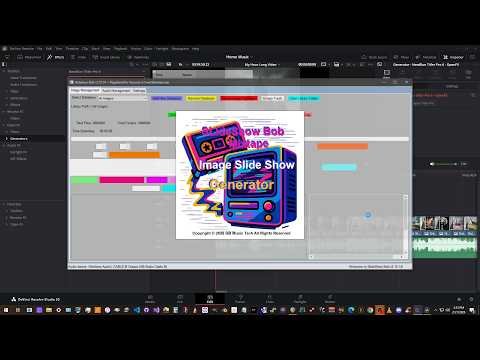
Short video tutorial
Manual and semi-random generation
The manual workflow gives you direct control over the selected media. The semi-random workflow limits the choices to the genre and image set you select, then lets SlideShow Bob assemble a combination.
Editor compatibility
The demonstration uses DaVinci Resolve 20.
SlideShow Bob exports Final Cut Pro XML and EDL. Import behavior varies by editor and version, so confirm that your chosen editor supports the exported format and test the evaluation with your workflow.
- Demonstrated with DaVinci Resolve 20
- Final Cut Pro XML and EDL export
- 30-day evaluation available for compatibility testing
- Narration created with an AI voice in DaVinci Resolve
Try the same workflow with your media.
Use the evaluation, setup guide, and detailed PDF manual together while learning the application.